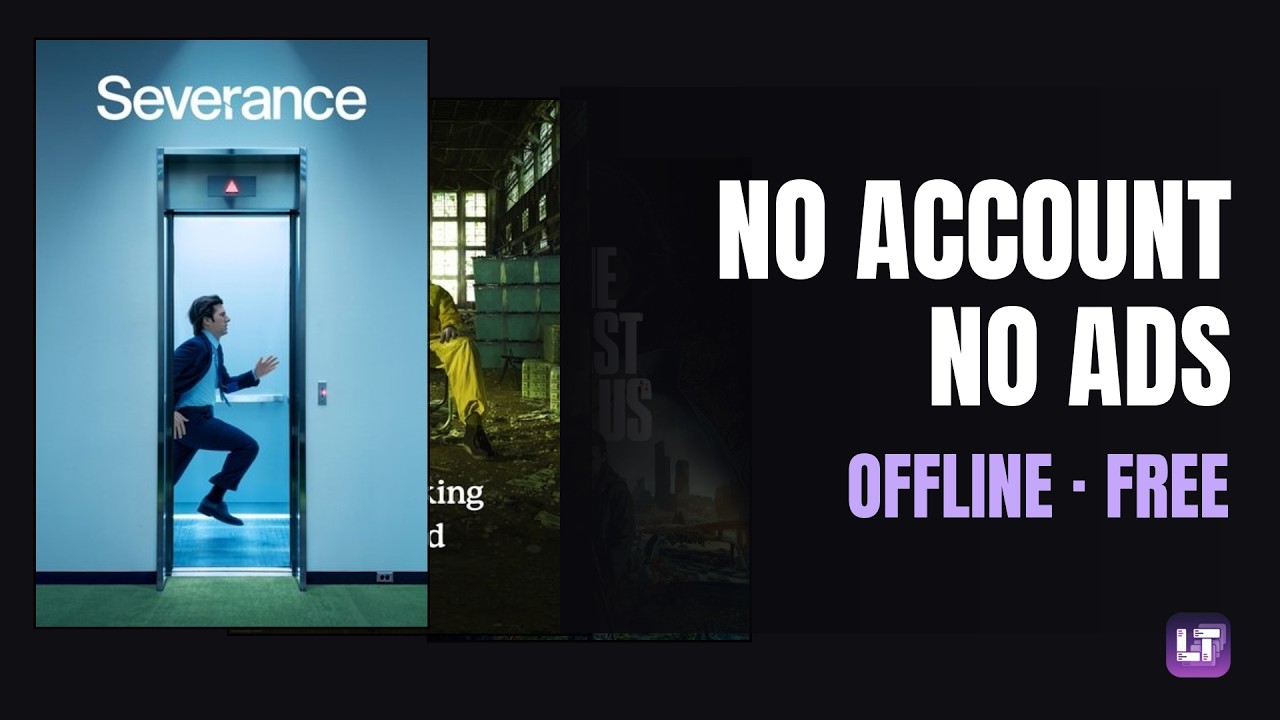
The full walkthrough, from empty install to a working collection — or read on for the written version.
Episode ticking is a chore you signed up for
Dedicated TV trackers are built around a checklist: every episode of every season, ticked one by one. It works, and some people genuinely enjoy it. But it asks you to log ten times per season, and the moment you fall behind — a weekend binge, a show you drop halfway — the record stops matching reality and quietly becomes useless.
What most people actually want to remember, years later, is coarser: that they watched the second season of something in the spring, that it was worth it, and why. That is a handful of fields, not a hundred checkboxes.
A tracker you stop updating is worse than no tracker at all: it tells you things that are no longer true.
The season is free text, on purpose
This is the one design decision worth explaining, because it looks like a missing feature until you see the reasoning. There is no season field with a dropdown. You write it in the comment — season 2, the whole thing, rewatched the first three, or nothing at all.
The reason is that people watch series in incompatible ways. Some track each season as its own entry with its own rating, because a show can fall apart in its fourth year. Others keep one entry per show and note the seasons as they go. A fixed field would force one of those habits on everyone, and the wrong one for half of them. Free text costs nothing and fits both.
If you want the structure back, add a season field yourself — the template is a starting point, not a ceiling, and a field you add behaves exactly like the ones that shipped with it.
Where the data lives
In LifeTracker your collection is stored locally on your device — that is the whole storage model, with no server copy that counts as the real one. In practice:
- It survives the catalogue. Shows leave streaming services, get removed, change platforms. The poster and metadata were copied into your database when you added the entry, so your record does not depend on who holds the rights today.
- It works with no connection. The only online step is searching a title, which pulls the poster, genres and year once.
- No account. Open it and start. Registration exists only for the optional cloud plan, which adds sync and backup.
- Queryable. On desktop the database is a plain SQLite file: open it in any SQLite browser and ask it things no menu offers — how many series you finished per year, say.
Setting up a TV show collection
- Create the category. Choose the TV shows template, then a style preset — the preset only affects how entries are displayed and can be changed later without touching your data.
- Add a show. Search by title; the poster, genres and year are fetched once and copied into your local database on save.
- Set a priority. How much you actually want to watch it, so your list sorts by interest rather than by when you added it.
- Say which season, and why you added it. Both go in the comment. In a year the recommendation is the part you will have forgotten.
Three filters, and nothing to file by hand
Series need a middle state more than films do: you live inside a season for weeks.
Future
No Date started yet. What you mean to watch, ordered by the priority you set.
Current
A Date started and no Date ended. What you are in the middle of — usually more than one.
Past
A Date ended is set, most recent first. Your history, with ratings and what you wrote at the time.
Nothing is filed by hand. Setting a start date moves a show into what you are watching; setting an end date moves it into your history. A filter is a stored condition, not a folder.
What the template already tracks
- Genres and year, filled in automatically from the show database when you pick a title.
- Waiting since — how long a show has been sitting on your list unwatched.
- A comment before and after: why you added it and which season you mean, then what you thought once you finished.
- Priority and rating, one for what is coming, one for what is done.
Fields you can add yourself
- A season field, if you would rather have it structured.
- Which service you watched it on, and whether you still subscribe.
- Who you watched it with — series are more often shared than films.
- Dropped as a state of its own, so an end date does not have to mean you saw it through.
- A rewatch counter, with a separate rating per viewing.
And because LifeTracker is not a TV app, the same database also holds your films, books, games and habits. One tool, one file, one backup.
An honest comparison
Dedicated TV services do things this does not, and the episode checklist is the heart of the trade.
| LifeTracker | Hosted TV trackers | |
|---|---|---|
| Where the data lives | Your device | Their servers |
| Works offline | Yes | Largely no |
| Account required | No | Yes |
| Custom fields | Yes | No |
| Other collection types | Anything | TV only |
| Season tracking | Free text, or a field you add | Structured |
| Episode-by-episode checklist | No | Yes |
| "Next episode" reminders | No | Yes |
| Air-date calendar | No | Yes |
The last three are real losses, and they matter most if you follow shows as they air, week by week. A hosted tracker will tell you what dropped last night; this will not. What it gives you instead is a record that costs a few seconds per show rather than per episode, and that nobody can take away.
Frequently asked questions
Does it track individual episodes?
No, and that is deliberate. The template records a show the way most people actually remember watching it, with the season noted in free text. If episode-level ticking is what you want, a dedicated service does it better.
How do I track several seasons of the same show?
Either one entry per season, each with its own dates and rating, or a single entry with the seasons noted in the comments. The season being free text rather than a fixed field is what lets both work.
What happens if a show leaves my streaming service?
Nothing that concerns your record. The poster and metadata were copied locally when you added the entry, so what you watched and what you thought of it stay with you.
Is there a TV tracker that works without an account?
Yes. Your collection lives locally and no registration is required. Desktop, Android and web all work without signing up; an account only comes into it for the optional cloud plan.
Is LifeTracker free?
The app is free to use, with all features and no limits. A paid cloud plan covers optional sync and backup across devices.
Start your collection
No account, no setup. Open it and create a category.